DUELIST: PvP Cosmetics — Skins, Graffiti, Backpacks & Accessories
How the 100+ cosmetics catalog works in Roblox DUELIST: PvP beta.
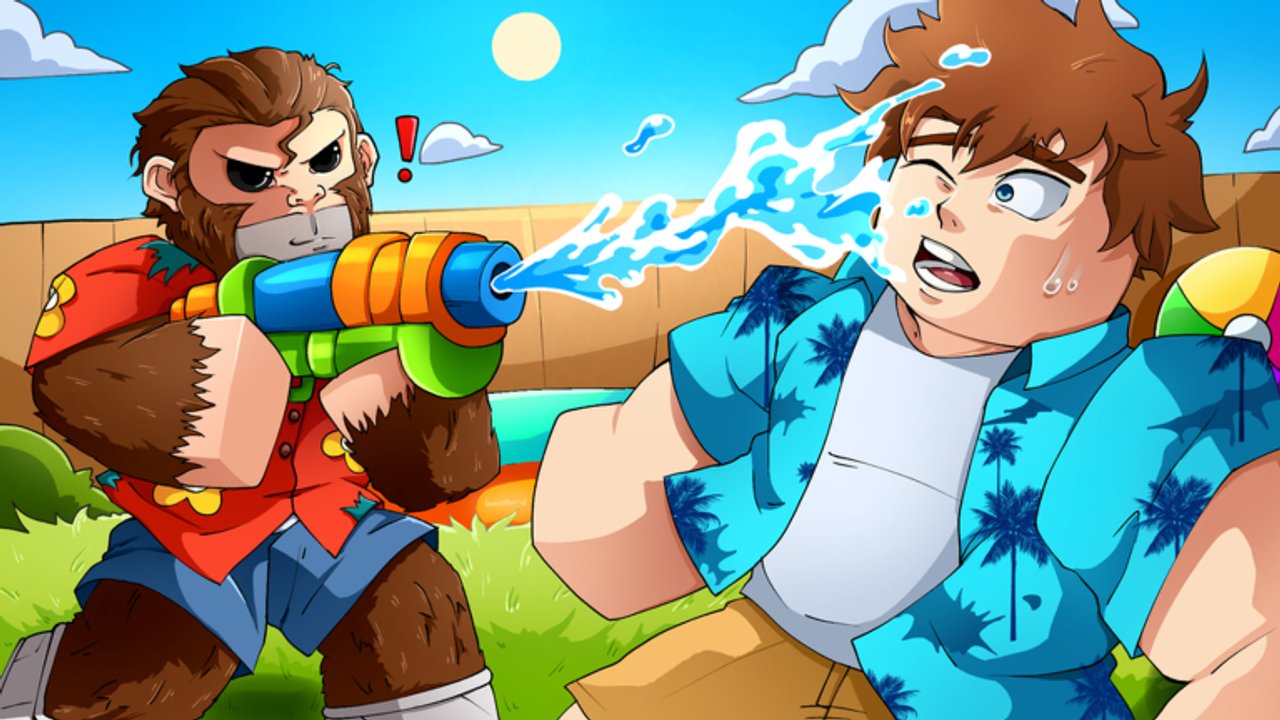
Cosmetics are the heart of personal expression in DUELIST: PvP, the Roblox third-person arena shooter from only three devs. The experience launched into open beta on December 29, 2025 (Place 122310270867133, universe 9461038514) and has grown past 16.7M+ visits with about 24.5k favorites. Across that run, the team shipped a catalog of 100+ unlockable cosmetics: weapon skins, graffiti, backpacks, accessories, and related flex pieces. Rarity varies—some drops feel common after a few nights of Credits grinding, while milestone packs and limited code rewards can stay scarce.
This page is the deep cosmetics guide. For kill-effect finishers specifically, continue to KFX. For the currencies and Spins that fund your wardrobe, read Progression. For the hub overview, return to Players. Fresh Spins and Credits often arrive through Codes after visit or like milestones announced on Discord (invite listed in in-game news—there is no official Trello).
Why cosmetics matter without becoming pay-to-win
DUELIST: PvP sells and rewards looks, not damage multipliers. A rare weapon skin does not tighten your bloom. A flashy backpack does not raise armor. That design keeps 1v1, 2v2, 3v3, and FFA honest: you still win with positioning, aim, and weapon knowledge from the tier list and guides. Cosmetics exist so your lobby presence, kill cams, and clips look like you. Collectors chase rarity; competitive players still pick skins that are readable on their main weapons.
Exploiting to duplicate or force rare cosmetics is a fast path to a permanent ban with no appeal. Protect the account that holds your collection.
Weapon skins
Weapon skins are the most played-with cosmetic category because you see them every fight. After you settle a primary and secondary from Getting Started advice, prioritize skins for those guns first. Spreading Credits across every weapon in the game dilutes your visual identity and slows progress toward rarer finishes.
Skins arrive through shop purchases with Credits, Spins rolls, event packs, and sometimes code exclusives. When an update adds a new gun—such as themes around the AP Pistol update—expect the cosmetics pipeline to follow with matching finishes over time. Summer-themed drops and other seasonal waves also expand the pool without rewriting combat math.
Practical tips:
- Main one loadout long enough that a premium skin feels earned in clips.
- Prefer high-contrast finishes you can still track in third person on mobile and console, not only on PC.
- Treat untradable or limited packs as higher priority than infinite shop commons when a code drops them.
Graffiti
Graffiti tags are profile and celebration flavor. They show up in contexts where the game highlights your identity—victory moments, card-adjacent flex, and clip-friendly screens depending on the current client build. Because graffiti does not change hit registration, it is pure taste. Collectors often match graffiti colors to weapon skins and backpacks for a coordinated set.
Rarity still varies. Some tags feel abundant after Spins sessions; others arrive from milestone codes or limited shops tied to updates like Black Market themed drops. If you are building a flex profile, graffiti is an inexpensive way to signal that you follow patch culture without spending every Credit on weapon finishes.
Backpacks
Backpacks silhouette your character in lobbies and third-person views. They are among the easiest cosmetics for teammates and spectators to notice before a round starts. Pair a backpack with accessories so your outline stays intentional instead of random.
Because backpacks are always “on,” avoid stacking the noisiest VFX-heavy pieces if you prefer clean screenshots—or lean into chaos if your brand is maximum flex. Neither choice affects movement speed or hitbox fairness; it is presentation only.
Accessories
Accessories cover the smaller wearable layer that completes a look—extra props and character accents beyond the backpack slot. Think of them as the finishing pieces after skins and backpacks are decided. Accessories are ideal sinks for leftover Credits once your main weapon skin and a signature KFX are secured.
As with the rest of the 100+ catalog, accessory rarity varies. Do not assume every shop rotation lists every accessory forever; beta catalogs shift when only three devs ship content drops.
How to unlock cosmetics efficiently
- Play matches in your best mode to earn Credits and XP steadily.
- Redeem codes the same day they appear—visit and like milestones expire. Keep Codes and Discord (via in-game news) in your loop.
- Spend Spins with a target category in mind (skin vs KFX vs pack) instead of rolling blindly every time.
- Watch named updates—Player Cards, Black Market, Matchmaking, Summer, AP Pistol, and FFA each changed either the economy presentation or the content you dress around. Summaries live under patch notes.
- Join the creator group only three devs (Roblox group id 695985897) for community context, then verify rewards in-game.
Coordinating a full flex set
A coherent flex set usually means: one rare-ish weapon skin on your true main, one memorable KFX, a backpack that matches the color story, graffiti that does not clash, and accessories that fill gaps. Player Cards (see Progression) then frame that identity outside the match itself.
If you create content, stable flex sets make your DUELIST: PvP clips recognizable across patches. If you only care about ranked vibes once seasons arrive (still roadmap talk—see roadmap), keep cosmetics secondary to mechanics but do not ignore readability.
Cosmetics and platform play
PC, mobile, and console all display the same cosmetic unlocks. What changes is how busy the screen feels. Mobile players may prefer cleaner skins and lighter KFX so targets stay visible. Console players should test backpacks that do not obscure ADS-adjacent camera feel in third person. PC players with high frame rates can afford denser VFX—but sportsmanship still means not relying on visual noise as a “strategy.”
Staying current in beta
Expect the cosmetics count to keep climbing past the marketed 100+ baseline as Summer-style drops, Black Market style shops, and code exclusives land. This wiki will not invent exact patch calendar dates beyond the known beta context through late 2026. Instead we document themes and send you to Discord plus Updates when only three devs ship something new.
When you finish this page, skim KFX and Progression, then hop back to the Players Hub for the full map. Official destinations and the group link are mirrored on Links.
Frequently Asked Questions
Quick answers for DUELIST: PvP players.
How many cosmetics are in DUELIST: PvP?
The game advertises 100+ unlockable cosmetics spanning weapon skins, KFX, graffiti, backpacks, and accessories, with rarity that varies by item and drop method.
Do weapon skins change damage or recoil?
No. Skins are visual only. Combat performance still depends on your aim, movement, and weapon choice.
What is the best way to unlock rare cosmetics?
Combine match Credits with timely code redemptions and targeted Spins. Prioritize limited or untradable packs when they appear, then fill commons from the shop.
Where are new cosmetic drops announced?
Primarily on Discord (check in-game news for the invite) and through the only three devs Roblox group. There is no official Trello board.